How ‘Ladybug for Girls’ is Using Canvify
Ladybug for Girls is a purpose-driven Shopify store focused on community, education, and social impact. The brand relies heavily on visual storytelling rather than traditional ecommerce layouts, which makes design flexibility a core requirement across their website.
Instead of using Shopify’s native section-based layouts, Ladybug for Girls uses Canva-designed pages imported into Shopify using Canvify, allowing them to maintain a consistent brand identity across informational and foundation-related pages.
Pages Built Using Canvify
The following pages on the Ladybug for Girls website are created using Canvify:
Each of these pages follows a design-first approach, where storytelling, typography, and animations play a bigger role than standard ecommerce sections.
Design Language & Visual Identity
Color Scheme
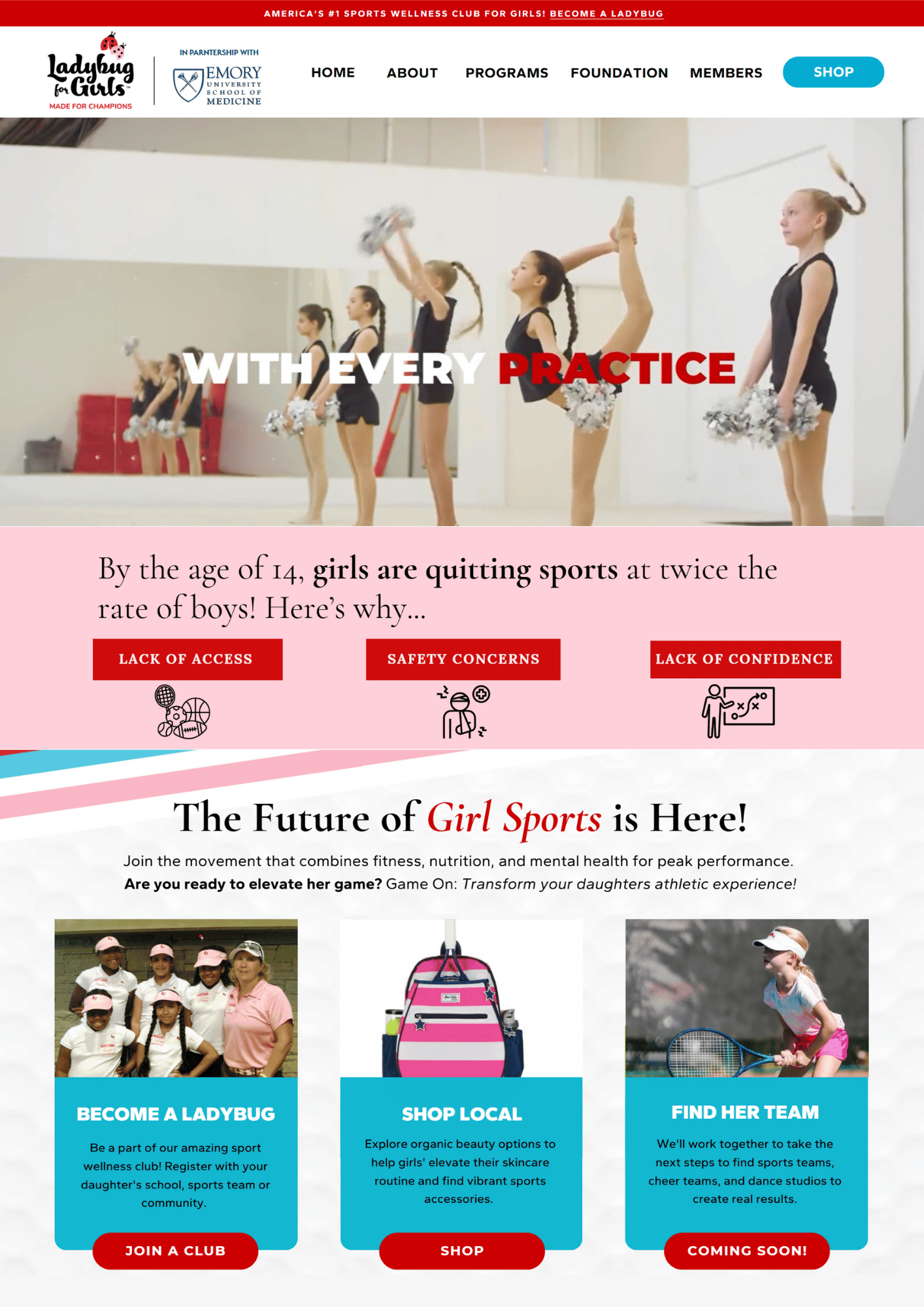
The site uses a soft, brand-aligned color palette dominated by:
- Pastel pinks and warm neutrals
- Gentle contrasts of red instead of hard dividers
- Background colors that flow seamlessly between sections
This type of color continuity is difficult to achieve using native Shopify sections without heavy theme customization, as Shopify typically enforces rigid section backgrounds and spacing rules.
With Canva:
- Background colors can flow naturally across sections
- Gradients and soft transitions are easy to design
- Visual hierarchy remains consistent across long pages
Typography & Brand Fonts
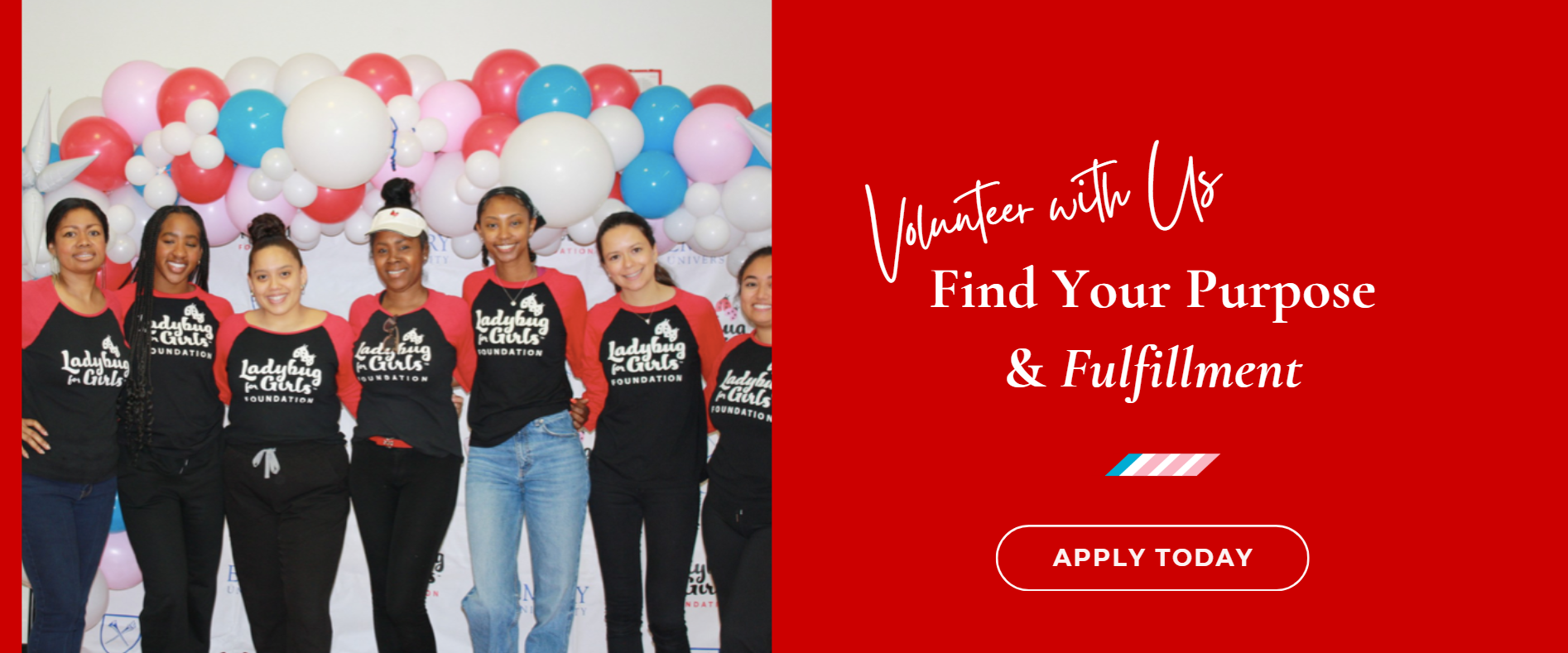
A key design strength of these pages is typographic freedom.
Using Canva through Canvify enables:
- An unlimited range of font styles
- Easy mixing of headings, subheadings, and body text
- Decorative and expressive fonts that align with the brand’s mission
In native Shopify, using multiple custom fonts often requires:
- Theme file edits
- Font hosting
- CSS overrides
Here, all typography decisions are handled visually inside Canva, then published directly into Shopify.
Homepage Video Banner
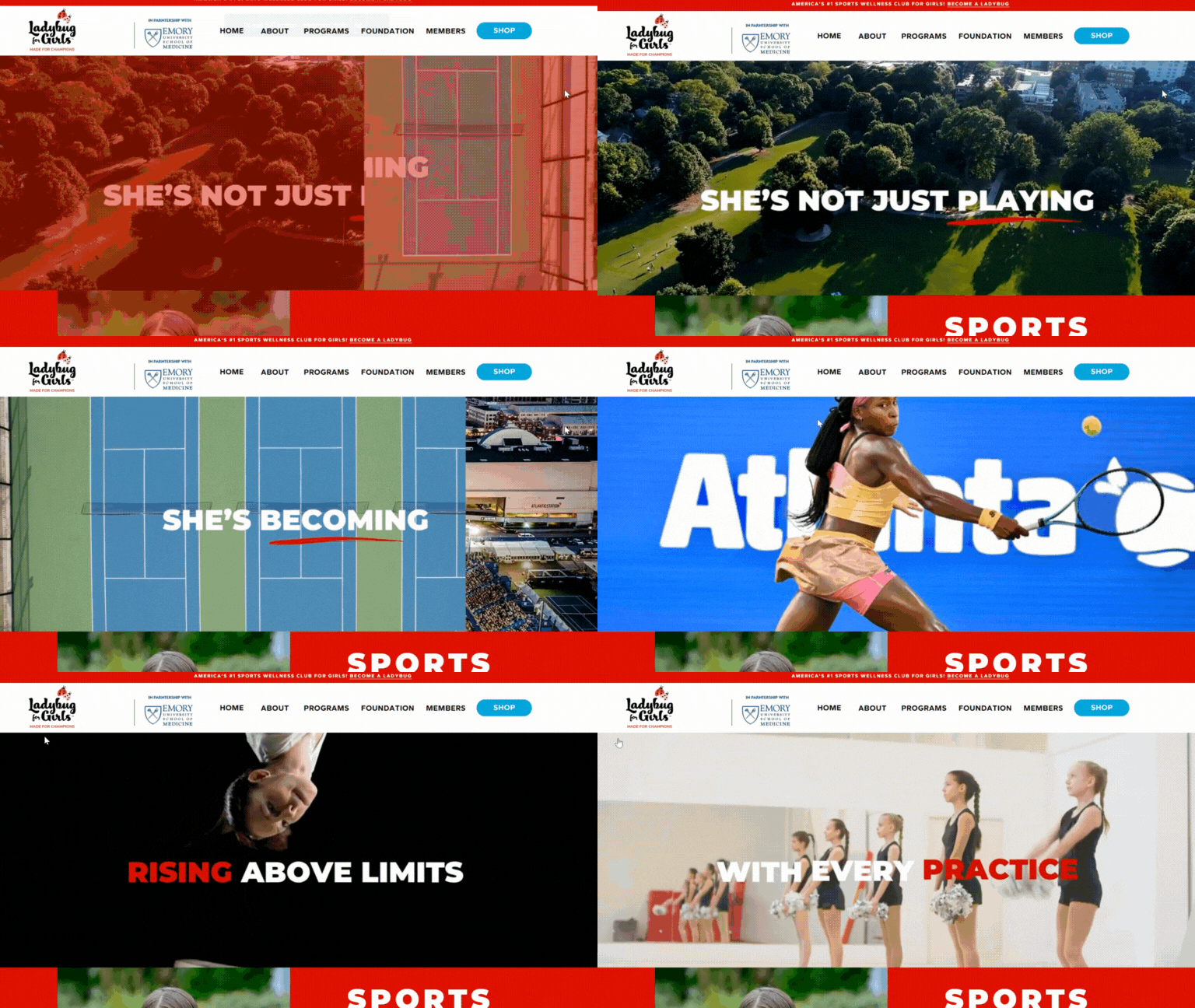
One of the most notable elements on the homepage is the video banner used at the top of the page.
Why this matters:
- Video banners in Shopify often require custom sections or third-party apps
- Responsive video handling across devices can be complex
- Layout control is limited inside theme editors
Using Canva:
- The video is treated as a design element, not a technical component
- It integrates naturally into the page layout
- No theme or code changes are required
This makes video-first storytelling significantly easier to implement.
Animated Text & Motion Elements
Across the Canvify-powered pages, text elements animate into view as users scroll.
Read: How to add animations to Canva designs
These animations:
- Help guide attention down the page
- Add a sense of depth and interaction
- Improve storytelling flow without overwhelming the layout
In native Shopify:
- Scroll-based text animations typically require JavaScript
- Custom animation timing needs developer effort
- Maintenance becomes harder across multiple pages
With Canvify:
- Animations are applied directly inside Canva
- No coding or scripts are required
- Motion design becomes part of the visual workflow
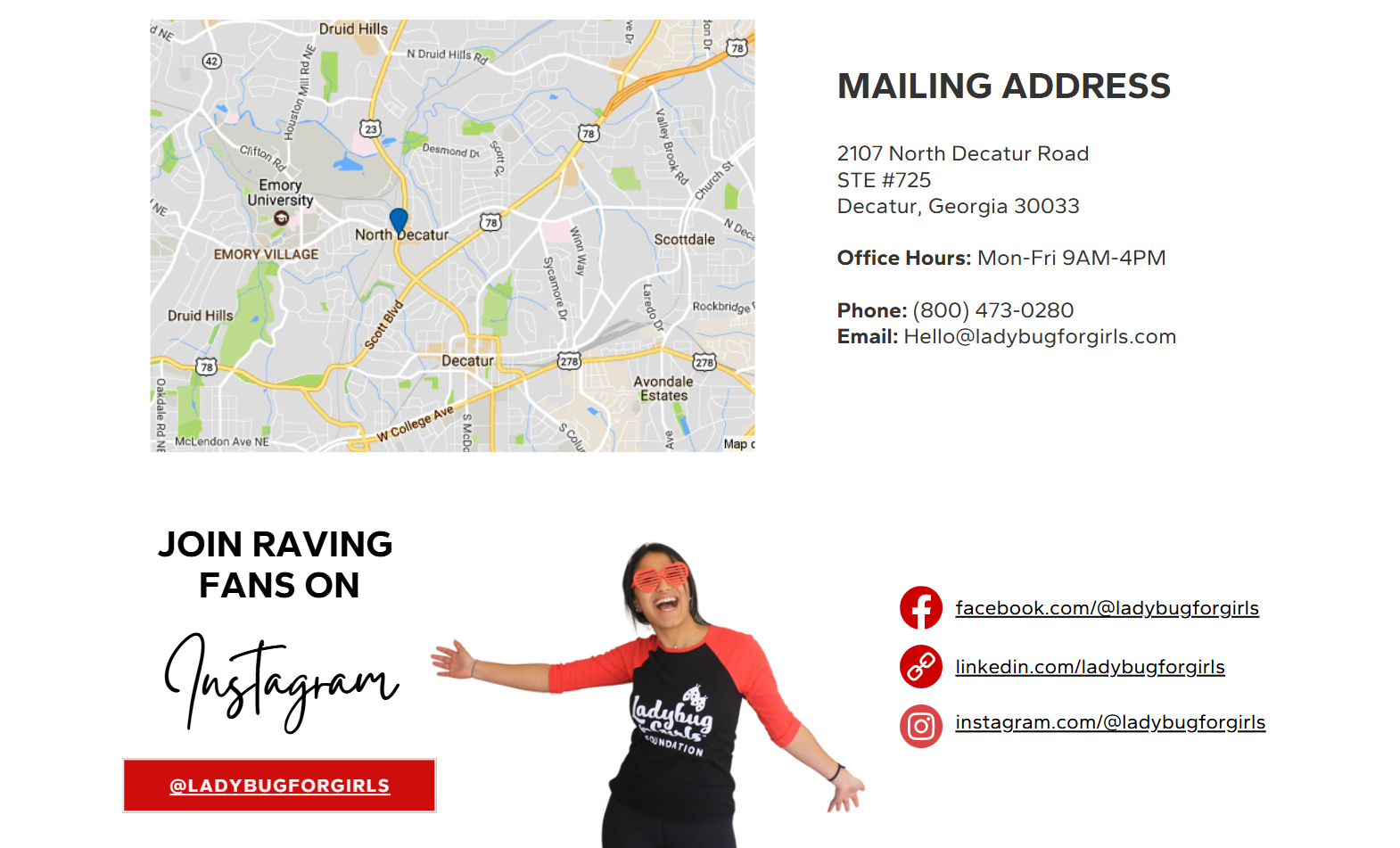
Google Maps integration on contact page using Canva.
See tutorial: Embedding Instagram, YouTube, TikTok & Maps into Canva designs
Page Structure Breakdown
All three pages follow a modular, storytelling-based structure, including:
- Full-width hero sections
- Text-and-image storytelling blocks
- Visually separated content sections without harsh dividers
- Clear CTAs placed naturally within the design flow
Because these layouts are designed visually in Canva, they are not constrained by Shopify’s grid or section logic.
This allows:
- Non-uniform layouts
- Overlapping elements
- Custom spacing and alignment
- Reusable visual patterns across pages
Mobile Responsiveness
All Canvify-powered pages on the site are fully responsive on mobile devices.
Key points:
- Canva designs are resized and adapted for mobile
- Layouts remain readable and visually balanced
- No separate mobile theme edits are required in Shopify
This ensures that design-heavy pages still work smoothly across screen sizes.
What Else ‘Ladybug for Girls’ Could Build Using Canvify
Based on their current design style, the store could easily extend their use of Canvify to:
- Campaign-specific landing pages
- Educational storytelling pages
- Impact reports or initiatives pages
- Event or fundraiser pages
- Visual content hubs linked from social media
Because the existing pages already use long-form storytelling layouts, these additions would feel native to the site.
As a valuable Canvify customer, you can use our existing templates as a base, adapt them to your theme and publish with Canvify in no time.
Each template can be customized inside Canva to match the brand’s fonts, colors, and graphics before being published to Shopify.
Why This Setup Works
Ladybug for Girls demonstrates how Canvify enables:
- Canva-level creative freedom
- Shopify-native navigation and structure
- Advanced visuals without custom code
- Motion and typography that are otherwise difficult to implement
All while keeping the store fully functional inside Shopify.