How to Use Canva Website Templates for Ecommerce Store
 Abdullah Shahid
 Canva has become one of the most popular design tools in the world. For many store owners, it feels like the easiest way to create a website without touching code.
But when it comes to ecommerce, Canva templates often create confusion.
Some templates look like stores.
Some claim to be “websites.”
Very few actually help you sell.
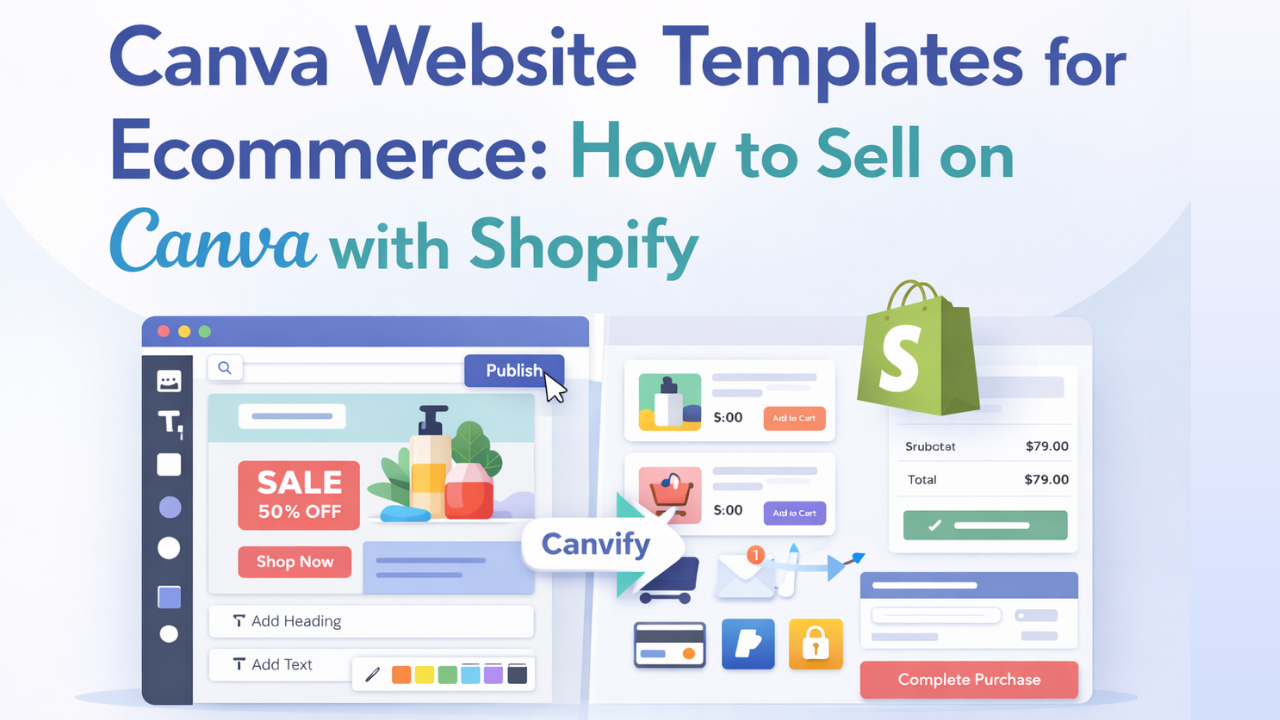
In this guide, I’ll break down which Canva website templates work for ecommerce, which ones don’t, and how smart brands use Canva + Shopify together using Canvify.
What Are Canva Website Templates?
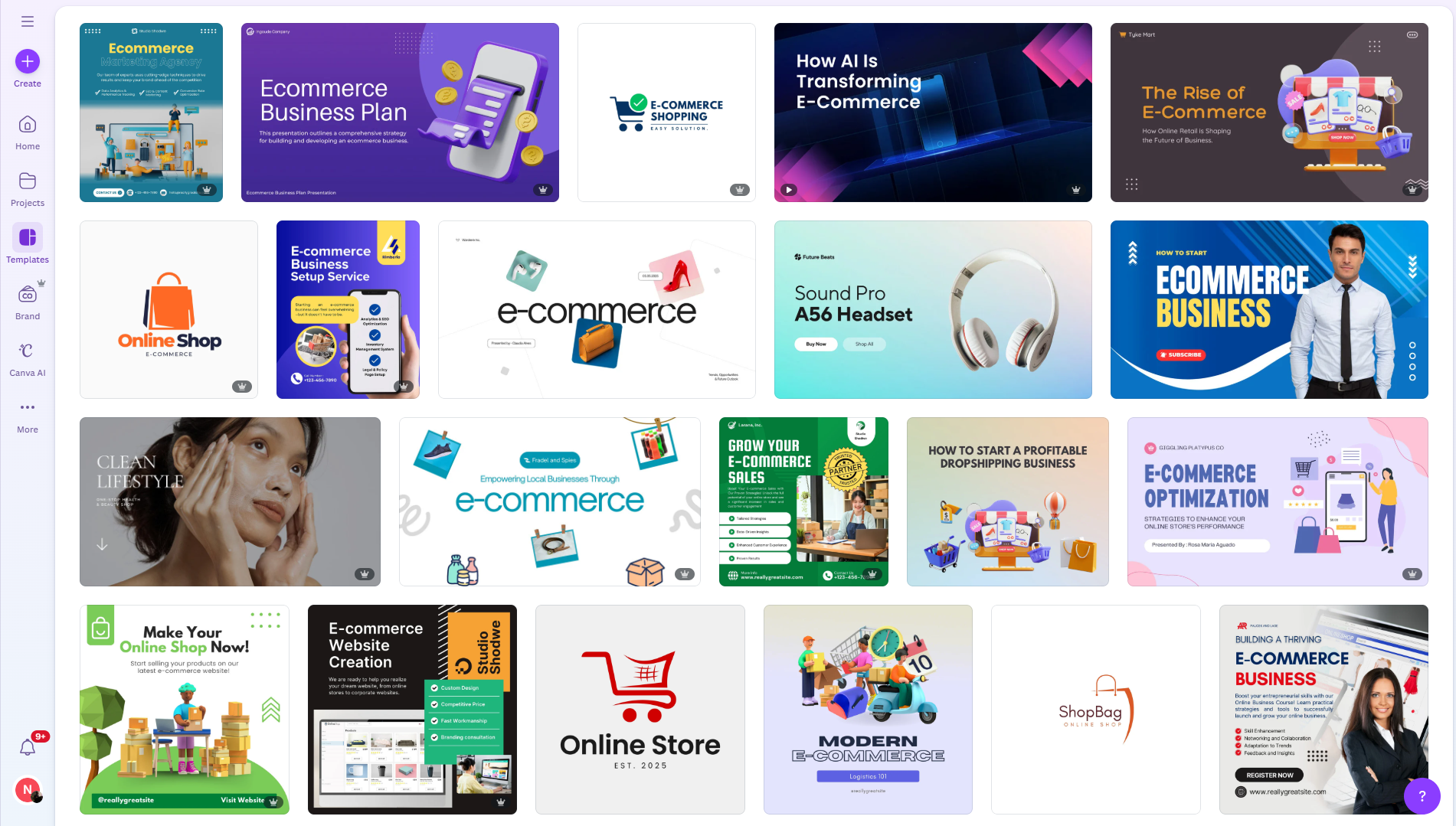 Canva website templates are visual page layouts designed for online publishing. They let you create scrolling pages with text, images, buttons, and links.
You can publish them as:
- A Canva-hosted website
- A custom domain connected to Canva
They are great for presentation and marketing, but they are not ecommerce stores by default. This distinction matters.
What Canva Website Templates Are Good At
 Canva templates work extremely well for the front-facing part of ecommerce.
Here’s where they shine.
Marketing and Campaign Pages
Canva templates are perfect for:
- Product launch pages
- Black Friday or Cyber Monday campaigns
- Seasonal sales pages
- Influencer landing pages
You can design bold layouts quickly and publish them without developers.
Brand Storytelling Pages
Many ecommerce brands use Canva templates for:
- About Us pages
- Brand mission pages
- Sustainability or values pages
These pages build trust and improve conversions, even if they don’t handle checkout.
Pre-Launch and Waitlist Pages
If you’re launching a product soon, Canva templates are ideal for:
- Coming soon pages
- Email signup pages
- Early access announcements
They load fast and look polished.
What Canva Website Templates Cannot Do Alone
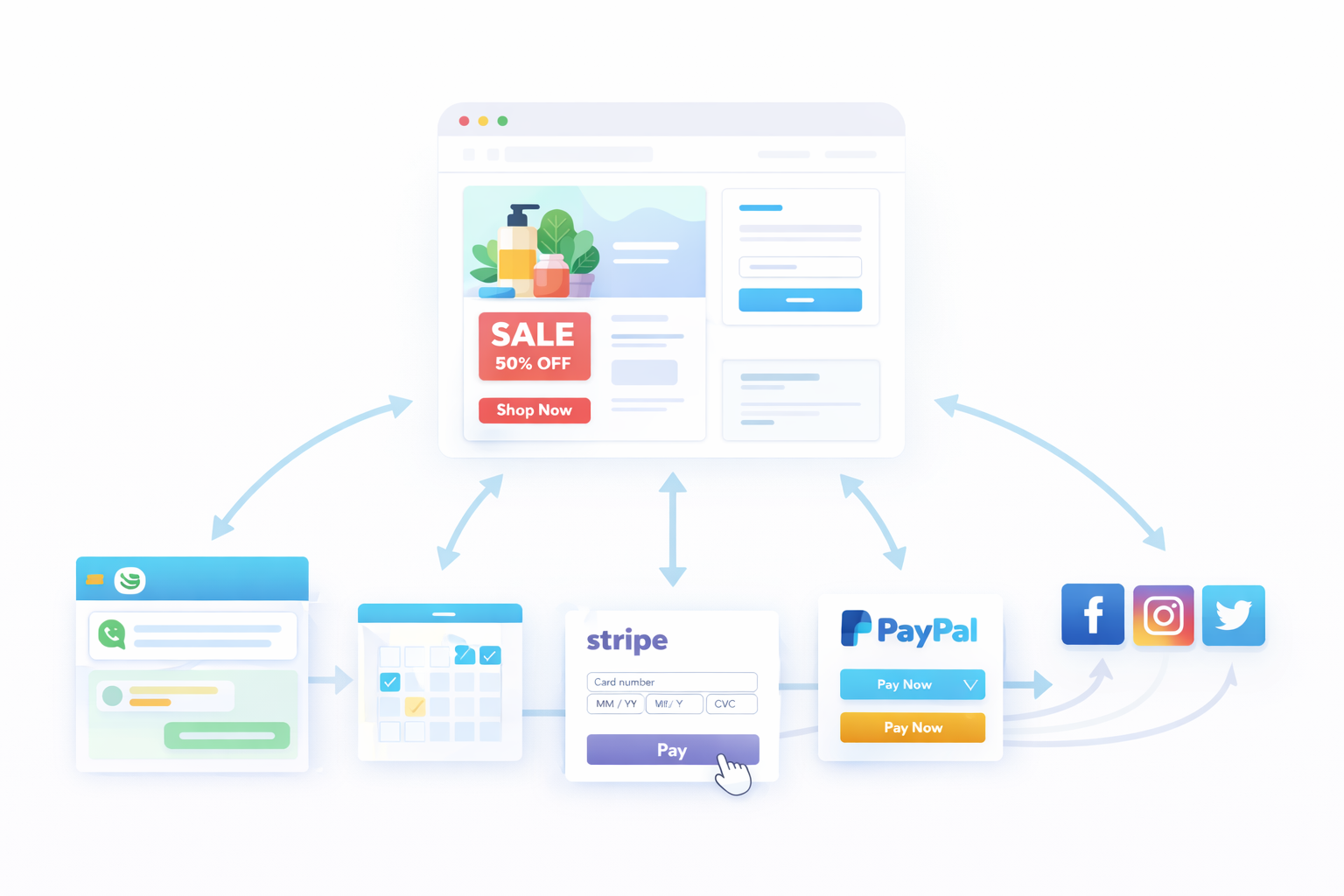
This is where most ecommerce beginners get stuck.
Canva templates do not include ecommerce logic.
They cannot:
- Add products to a cart
- Process payments
- Manage inventory
- Track orders
- Handle taxes or shipping
- Support SEO at scale
You can link buttons to external pages, but Canva itself does not become a store.
That’s why Canva alone is not enough for ecommerce.
Common Workarounds People Use with Canva
Some sellers still use Canva websites creatively.
Here’s how.
External Checkout Links
You can link Canva buttons to:
- Stripe payment links
- PayPal checkout pages
- Gumroad product pages
This works for single-product sales, but it doesn’t scale well.
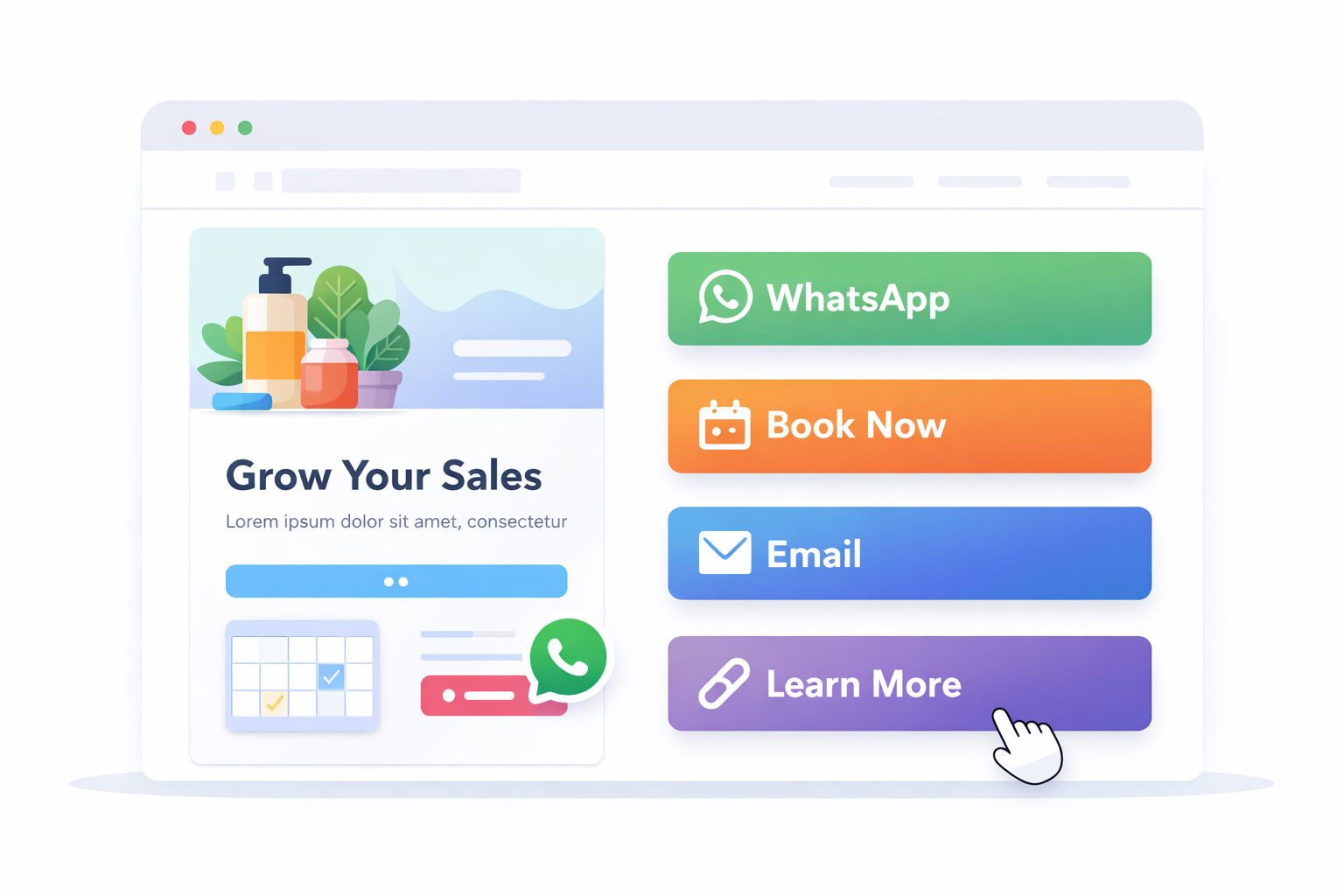
Messaging-Based Selling
Many creators link Canva websites to:
- WhatsApp chat
- Instagram DMs
- Email inquiries
This works for service businesses or high-ticket items, not for automated ecommerce.
Booking-Based Businesses
Canva templates work well for:
- Appointments
- Coaching
- Local services
But again, this is not product-based ecommerce.
The Missing Piece: Ecommerce Infrastructure
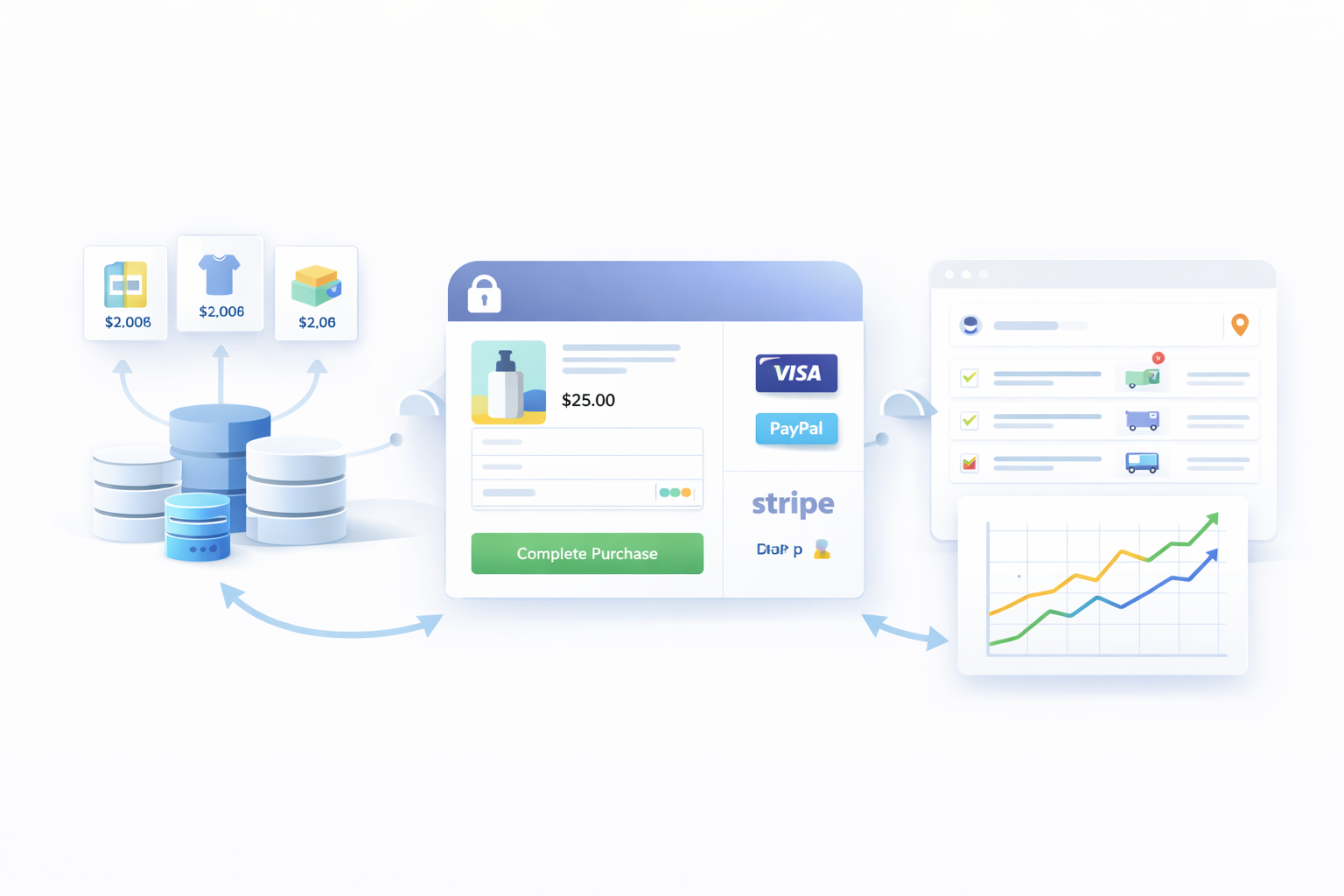 Real ecommerce requires more than design.
A proper ecommerce setup needs:
- Secure checkout
- Product management
- Inventory control
- Order tracking
- Payment gateways
- SEO-friendly structure
This is where Shopify comes in.
Shopify handles everything Canva doesn’t.
Why Shopify Is Still Essential for Ecommerce
Shopify is built specifically for selling.
It gives you:
- Product listings
- Variants and pricing
- Checkout and payments
- Shipping and taxes
- Order management
- SEO foundations
But Shopify themes can feel limiting if you want full design freedom.
That’s why the best brands don’t choose Canva or Shopify.
They use both.
How Canva and Shopify Work Together with Canvify
This is where Canvify fits into the picture.
Canvify lets you:
- Design pages in Canva
- Import them directly into Shopify
- Publish them as native Shopify pages
No code. No page builders. No broken layouts.
You design visually in Canva, and Shopify handles the ecommerce logic.
You can learn how this works step by step in the official documentation.
What Types of Canva Templates Work Best for Ecommerce with Canvify
Not all Canva templates are equal.
These formats work best when paired with Shopify.
Landing Page Templates
Perfect for:
- Sales campaigns
- Collection highlights
- Featured product launches
You can connect buttons to:
- Add to Cart links
- Buy Now checkout links
Canvify helps generate these links directly inside Shopify.
Homepage Sections
Many stores use Canva-designed:
- Hero sections
- Promotional banners
- Featured collections
These can sit on top of your Shopify theme without replacing it.
Product Education Pages
Use Canva to design:
- Product comparison pages
- Ingredient or feature breakdowns
- How-it-works pages
Then embed them into Shopify using Canvify.
Ready-Made Ecommerce Templates from Canvify
If you don’t want to start from scratch, Canvify provides ecommerce-ready templates designed specifically for Shopify.
These templates are:
- Optimized for conversions
- Structured for ecommerce flows
- Fully editable in Canva
- Designed to work inside Shopify
They save hours of design and setup time.
When to Use Canva Templates Instead of Shopify Themes
Use Canva templates when:
- You want more creative freedom
- You’re running campaigns or promotions
- You want custom layouts Shopify themes don’t offer
Use Shopify themes when:
- You need core store structure
- You want fast setup
- You rely on default product layouts
With Canvify, you don’t have to choose.
You can layer Canva designs on top of Shopify themes.
SEO Considerations for Canva-Based Ecommerce Pages
SEO matters.
When you publish Canva designs through Canvify:
- Pages become part of your Shopify site
- URLs are indexable
- Metadata can be managed inside Shopify
This makes them far better for SEO than Canva-hosted websites.
You can also support these pages with content from the Canvify blog.
Real-World Use Case Example
A typical flow looks like this:
- Design a sales page in Canva
- Import it into Shopify with Canvify
- Link buttons to Shopify checkout
- Drive traffic from ads or social media
This setup gives you:
- Visual flexibility
- Ecommerce reliability
- Faster campaign launches
Installing Canvify on Shopify
Canvify is available directly on the Shopify App Store
Once installed, it connects your Shopify store with Canva and handles publishing automatically.
Final Thoughts
Canva website templates are powerful, but only when used correctly.
On their own, they’re marketing pages.
With Shopify, they become part of a real store.
With Canvify, they finally connect the two worlds.
If you want design freedom without breaking ecommerce fundamentals, this setup is one of the smartest ways to build modern Shopify stores.
FAQs: Canva, Ecommerce, Shopify, and Canvify
Can I build a full ecommerce store using only Canva?
No, Canva alone cannot power a full ecommerce store. Canva is primarily a design and content creation tool, not an ecommerce platform. While Canva lets you design beautiful websites and landing pages, it does not support essential ecommerce features like product management, shopping carts, secure checkout, payment processing, or order tracking. That said, many ecommerce brands use Canva for design and pair it with Shopify for functionality. This setup allows you to enjoy Canva’s visual flexibility while relying on Shopify to handle inventory, payments, taxes, shipping, and customer orders. Tools like Canvify make this connection seamless by turning Canva designs into live Shopify pages.
Can I sell products using Canva templates?
Yes, you can sell products designed with Canva templates when they are connected to an ecommerce platform like Shopify. On their own, Canva templates are static designs. They do not process payments or manage orders. When you use a tool like Canvify, your Canva template becomes part of your Shopify store. You can connect real products, add “Buy Now” or “Add to Cart” buttons, and send customers directly through Shopify’s secure checkout. This approach is commonly used for product launches, seasonal sales, and promotional landing pages.
Are Canva website templates good for Shopify stores?
Yes, Canva website templates work very well for specific parts of a Shopify store, especially when used strategically. They are ideal for:
- Landing pages for campaigns like Black Friday or product launches
- Custom homepage sections
- Brand storytelling pages such as About Us or collections
- Email and social traffic landing pages
Instead of replacing your entire Shopify theme, Canva templates enhance your store’s design flexibility. With Canvify, these templates integrate cleanly into Shopify while keeping your store fast, functional, and conversion-focused.
Does Canvify replace Shopify themes?
No, Canvify does not replace Shopify themes. It works alongside them. Your Shopify theme remains responsible for core store functionality like navigation, product pages, checkout, and performance. Canvify allows you to inject Canva-designed pages or sections into that theme. This gives you creative freedom without breaking your store structure or performance. Think of Shopify themes as the foundation and Canvify as the design layer that helps your store stand out.
Is coding required to use Canva, Shopify, or Canvify together?
No coding is required at all. Canva is completely visual and drag-and-drop. Shopify themes are customizable through built-in editors. Canvify bridges the two by allowing you to publish Canva designs into Shopify with just a few clicks. This setup is especially useful for non-technical founders, marketers, and solo store owners who want professional-looking ecommerce pages without hiring developers or learning code.
When should I use Canva for ecommerce instead of a Shopify page builder?
Canva is a great choice when you want design speed, visual storytelling, and brand consistency. It excels at creating campaign pages, promotional layouts, and content-driven sections that would otherwise take hours to build in traditional page builders. For core store functionality like product listings or checkout, Shopify handles everything. For high-impact design and marketing pages, Canva (paired with Canvify) gives you more flexibility with less effort.