Can You Use Canva for Ecommerce? A Complete Guide for Online Stores
 Abdullah Shahid
 Canva has become one of the most popular design tools for businesses worldwide. From social media posts to presentations, it’s now a core part of many marketing workflows. Naturally, ecommerce store owners often ask the same question:
Can you use Canva for ecommerce? The short answer is yes. The longer answer is yes, but only if you understand how to use Canva correctly for ecommerce, and where its limitations begin.
In this guide, I’ll break down exactly how Canva fits into ecommerce, what you can and can’t do with it, and how tools like Canvify help bridge the gap between Canva designs and fully functional ecommerce stores.
What Canva Is (and Isn’t) for Ecommerce
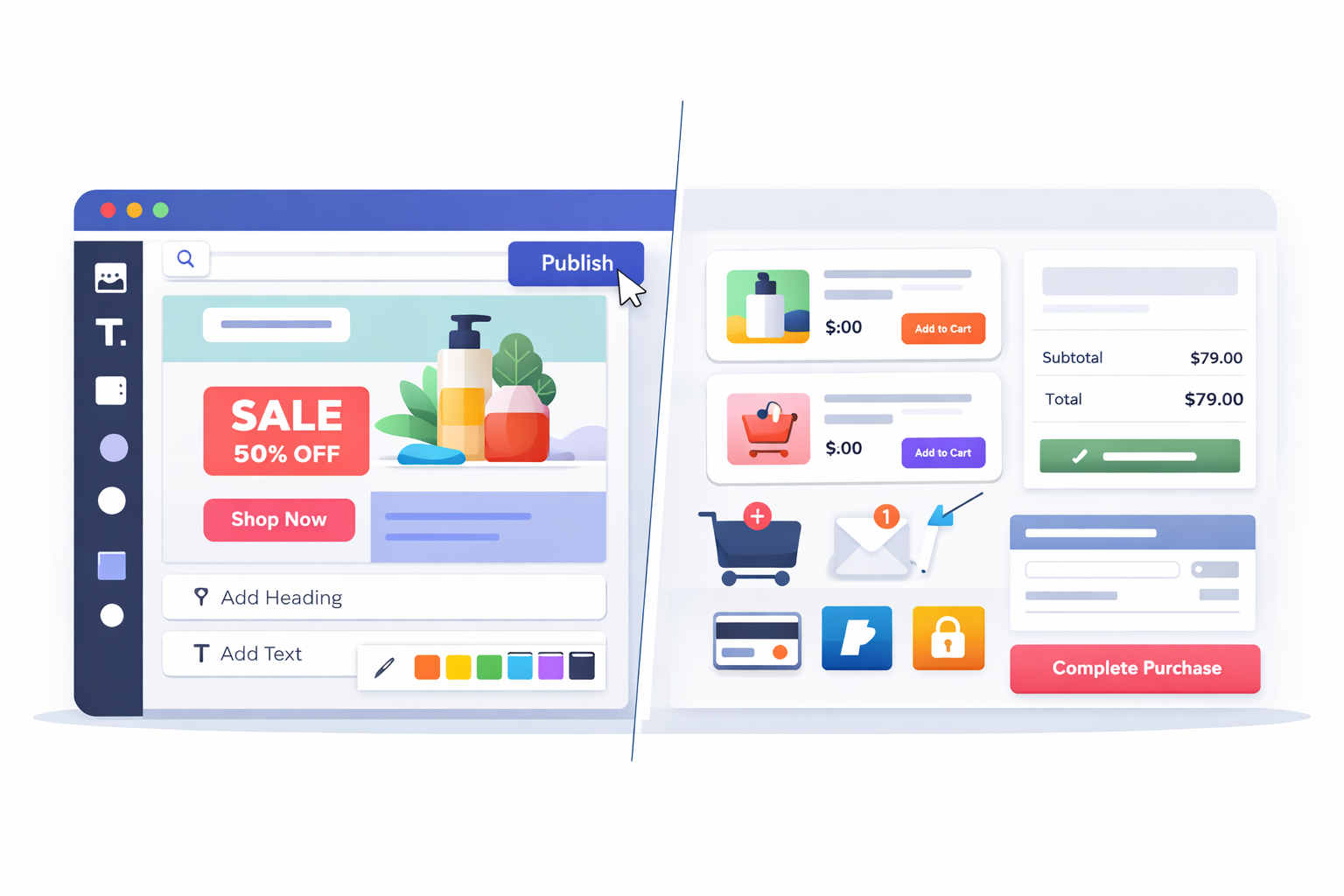 Canva is a visual design platform.
It was built to help non-designers create professional-looking graphics quickly.
For ecommerce, this means Canva excels at design, not selling infrastructure.
Canva does not replace:
- A checkout system
- Product management
- Payment processing
- Inventory tracking
Those things still require an ecommerce platform like Shopify.
Where Canva shines is everything around the selling experience.
What You Can Create in Canva for Ecommerce
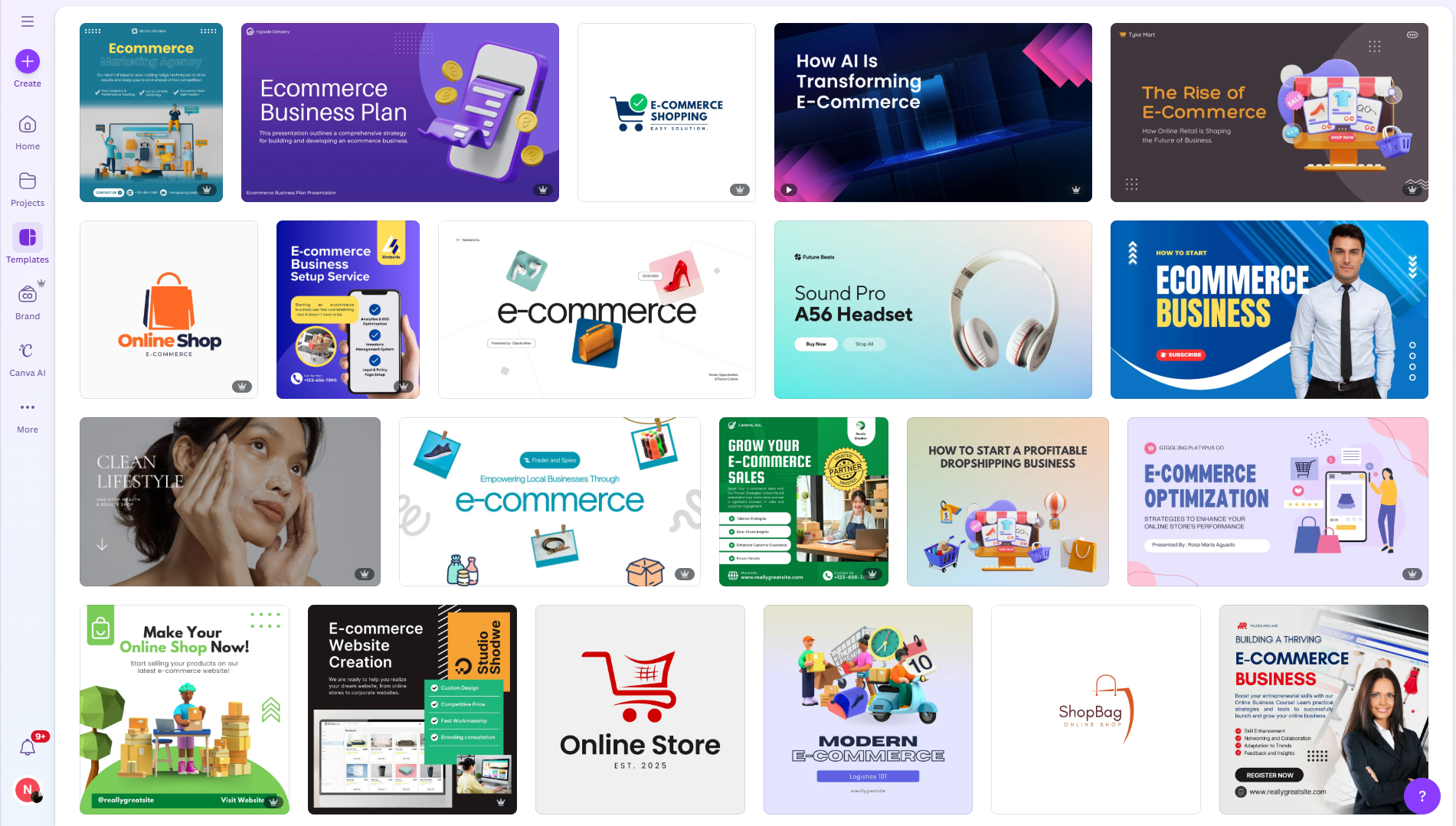
Canva is extremely useful for ecommerce brands when used strategically. I’ve seen stores rely on Canva for almost all of their visual assets.
Ecommerce Designs You Can Build in Canva
You can design:
- Ecommerce landing pages
- Homepage sections and banners
- Product highlights and feature sections
- Promotional pages for sales and launches
- Brand storytelling and About Us pages
- Email graphics and ad creatives
Canva also offers a growing library of e-commerce-focused templates, which makes it easy to get started without designing from scratch.
You can explore e-commerce-ready templates on our Canvify template store, which is currently free for everyone.
Canva Ecommerce Websites: What Actually Works
 Canva allows users to publish something called a Canva Website, which is essentially a scroll-based web page built entirely inside Canva. This feature often creates confusion for ecommerce store owners, especially those new to online selling.
A Canva website looks like a real website, but it functions very differently from a true ecommerce store. It is best thought of as a visual presentation page, not a selling platform.
What a Canva Website Actually Is
A Canva website is a static, design-focused page. It is excellent for storytelling, promotions, and showcasing information, but it does not include any built-in e-commerce functionality. There is no backend system for products, orders, or payments.
Because of this, Canva websites work best when used as marketing assets, not standalone online stores.
What Canva Websites Are Good For
Canva websites work well for:
- Marketing landing pages that explain an offer or campaign
- Seasonal campaign pages such as Black Friday, Cyber Monday, or Christmas
- Product launch or announcement pages
- Brand storytelling pages, like About Us or mission pages
- Pre-launch pages to collect interest before a store goes live
These pages are visually rich, fast to create, and easy to customize, which makes them ideal for short term campaigns and brand-driven content.
What Canva Websites Cannot Do
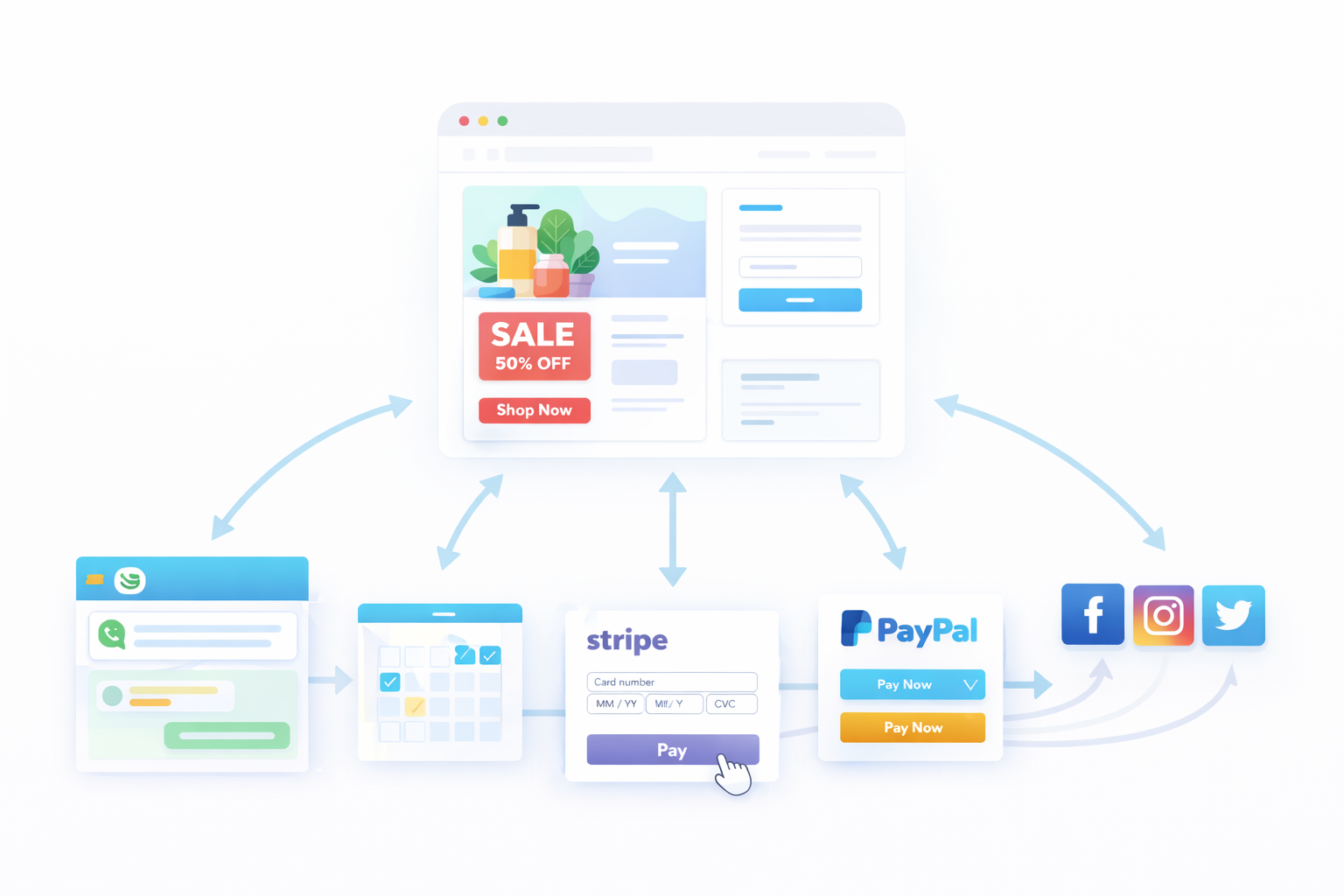
Despite their flexibility, Canva websites cannot:
- Process payments or accept orders
- Handle carts, checkouts, or customer accounts
- Manage products, variants, or pricing
- Sync with Shopify inventory or order systems
- Support ecommerce SEO structures like collections and product URLs
Because there is no ecommerce engine behind a Canva website, it cannot replace platforms like Shopify, WooCommerce, or BigCommerce.
Why Canva Alone Is Not Enough for Ecommerce
Ecommerce requires more than visuals. It needs secure payments, product management, inventory tracking, and order fulfillment. Canva was not built to handle these responsibilities.
This is why successful ecommerce brands do not rely on Canva alone. Instead, they use Canva for design and storytelling, while depending on a dedicated ecommerce platform for selling.
When Canva is paired with the right tools, it becomes incredibly powerful. On its own, however, it should be treated as a design layer, not a complete ecommerce solution.
The Missing Piece: Ecommerce Functionality in Canva Websites
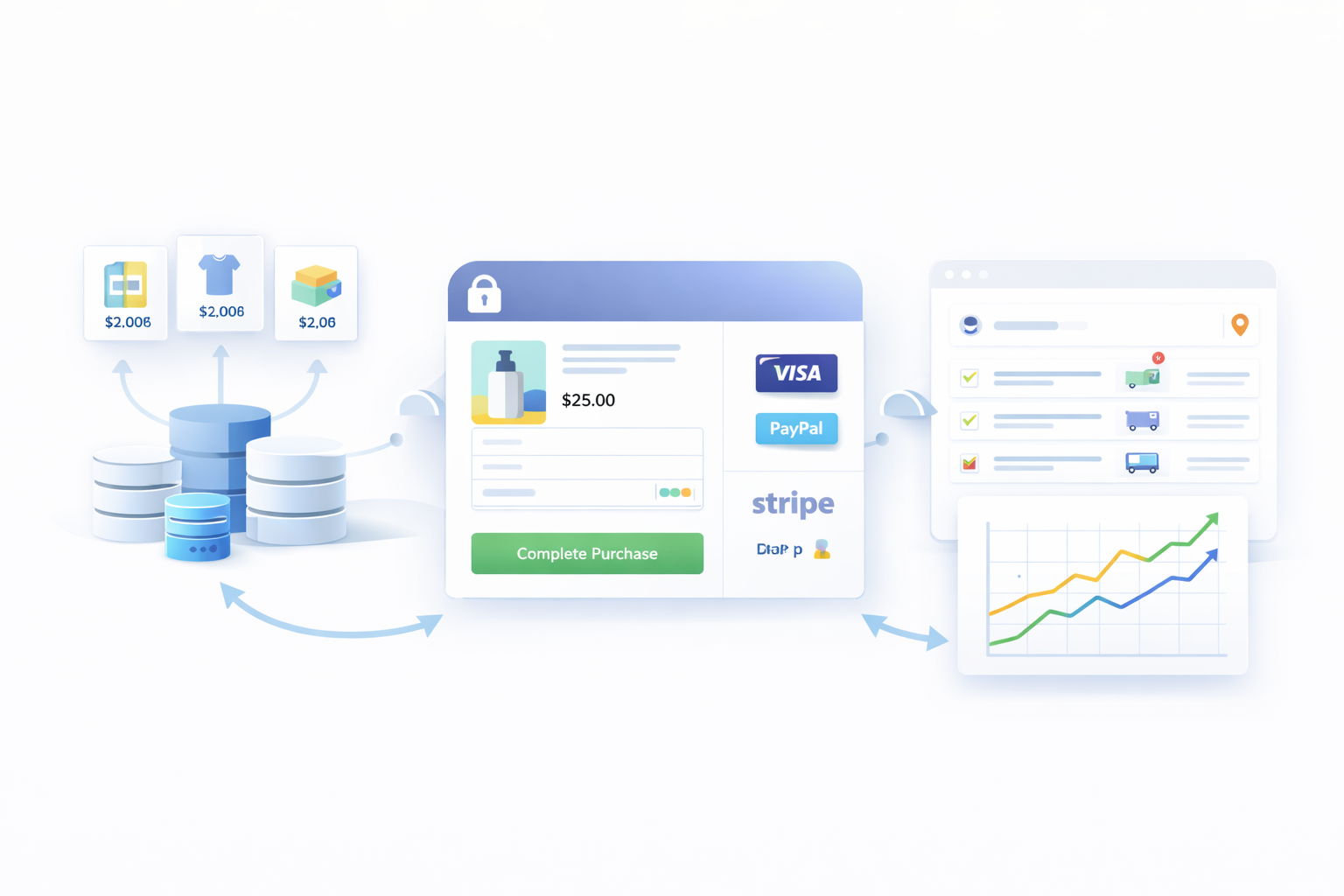
Ecommerce is not just about design. It is about systems.
A real ecommerce store needs:
- Secure checkout and payment gateways
- Product and variant management
- Order tracking and fulfillment
- Inventory syncing
- SEO friendly URLs and structure
This is where platforms like Shopify, WooCommerce, and others come in.
Among them, Shopify stands out because it handles all ecommerce complexity in the background while remaining flexible on the front end.
Using Canva With Shopify (The Smart Way)
The smartest ecommerce brands do not choose between Canva and Shopify.
They use both together.
Shopify handles:
- Products and variants
- Checkout and payments
- Orders and inventory
- Taxes and shipping
- SEO and performance
Canva handles:
- Visual storytelling
- Campaign design
- Landing pages and promotions
- Brand-driven experiences
When combined correctly, Canva becomes the design layer, and Shopify becomes the commerce engine.
Shopify ‘Add to Cart’ and ‘Buy Now’ Links in Canva Websites
Shopify allows products to be purchased through:
- Add to Cart links
- Buy Now checkout links
These links can be placed anywhere, including inside a Canva website.
This means a visitor can:
- View a beautifully designed Canva page
- Click a product button
- Be sent directly into Shopify checkout or cart
- Complete the purchase securely
This approach keeps the shopping experience smooth while giving you full creative control.
Guide on adding cart and buy now Shopify links in the Canva website.
How Canvify Simplifies This Process
Manually creating Shopify checkout links can be confusing for non-technical users.
This is where Canvify fills the gap.
Canvify helps you:
- Generate Add to Cart and Buy Now links for Shopify products
- Connect those links directly to Canva buttons
- Turn Canva designs into Shopify-compatible pages
- Publish Canva pages inside your Shopify store
Instead of hacking things together, Canvify creates a clean workflow where:
- You design in Canva
- Shopify handles ecommerce
- Canvify connects both without code
This lets store owners build real ecommerce pages using Canva, without giving up Shopify’s checkout, inventory, or SEO advantages.
The Big Picture
Canva is not an ecommerce platform.
Shopify is not a design tool.
But together, they solve each other’s limitations.
When Canva is used for what it does best and Shopify handles what it does best, you get speed, flexibility, and scalability without compromise.
That is what actually works in modern ecommerce.
Canva + Shopify: How Ecommerce Brands Actually Use It
The most effective workflow looks like this:
- Design in Canva
- Sell through Shopify
Canva handles:
- Visual storytelling
- Layout creativity
- Brand consistency
Shopify handles:
- Products
- Payments
- Orders
- Customers
The challenge has always been connecting the two without rebuilding designs inside Shopify themes.
That’s exactly where Canvify comes in.
How Canvify Connects Canva to Shopify
Canvify lets you turn Canva designs into real Shopify pages without code.
Instead of rebuilding your Canva designs inside Shopify, you:
- Design your page in Canva
- Import it into Shopify using Canvify
- Publish it as a native Shopify page
No page builders. No developers. No compromises.
You can learn how it works here
What You Can Build with Canva + Canvify
Using Canva together with Canvify, ecommerce brands can create:
- Shopify landing pages designed in Canva
- Custom homepage sections
- Campaign pages for Black Friday, Cyber Monday, Christmas
- Product storytelling pages
- Brand pages that don’t look like default Shopify themes
All while keeping Shopify’s checkout, SEO, and performance intact.
If you’re already comfortable using Canva, this workflow dramatically speeds up store creation.
Why Canva Is Powerful for Ecommerce Brands
Despite limitations, Canva remains one of the most valuable tools for ecommerce marketers.
It allows:
- Faster campaign launches
- Better visual consistency
- Less dependency on developers
- More creative freedom than rigid Shopify themes
When paired with the right publishing tool like Canvify, Canva becomes a competitive advantage.
Who Should Use Canva for Ecommerce?
Canva works best for:
- Shopify store owners
- Ecommerce marketers
- Dropshipping brands
- DTC brands running frequent campaigns
- Founders without design or dev teams
If you want speed, flexibility, and control, Canva fits perfectly into ecommerce.
Final Verdict: Can You Use Canva for Ecommerce?
Yes, you can use Canva for ecommerce.
But not as a standalone ecommerce platform. The winning setup is:
- Canva for design
- Shopify for selling
- Canvify to connect both
This approach gives you: - Creative freedom
- Faster launches
- Professional-looking stores
- A scalable ecommerce foundation
If you want to design ecommerce pages visually and publish them directly into Shopify, Canva and Canvify is one of the most efficient workflows available today.
Frequently Asked Questions (FAQs)
Can I sell products directly on a Canva website?
No. Canva websites do not support checkout or payments. You need an ecommerce platform like Shopify.
Is Canva good for ecommerce beginners?
Yes. Canva is beginner-friendly and ideal for designing ecommerce visuals without design experience.
Can Canva replace Shopify?
No. Canva is a design tool. Shopify is an ecommerce platform. They serve different purposes.
How do I turn a Canva design into a Shopify page?
You can use Canvify to import your Canva design directly into Shopify as a live page.
Is using Canva bad for ecommerce SEO?
Not if used correctly. When Canva designs are published inside Shopify using tools like Canvify, SEO remains intact. ##Can I use Canva templates for ecommerce landing pages? Yes. Many Canva templates are perfect for ecommerce landing pages and campaigns.