Canva Ecommerce Explained: Payments, SEO, Shopify & What Actually Works
 Abdullah Shahid
 If you run an online store or are planning one, you’ve probably asked yourself at least one of these questions:
- Can I use Canva for ecommerce
- Can Canva handle payments
- Can I sell products directly from Canva
- Should I use Canva or Shopify
I’ve worked with ecommerce founders, Shopify store owners, and marketers who love Canva for design but get stuck when it comes to actually selling products. Canva feels powerful, visual, and easy. Ecommerce, on the other hand, requires structure, systems, and reliability.
In this guide, I’ll break down exactly what Canva can and cannot do for ecommerce, how Shopify fits into the picture, and how modern ecommerce brands use Canva and Shopify together instead of choosing one over the other.
If you want the full technical breakdown on how to design, integrate and publish your Canva page designs in Shopify, read this blog.
Can Canva Handle Payments for Ecommerce?
This is the most common misconception I see.
Short answer: No, Canva cannot handle payments on its own.
But the longer answer matters more.
What Canva Websites Are Designed to Do
Canva allows you to publish something called a Canva Website. This is essentially a visual webpage created inside Canva’s editor.
Canva websites are excellent for:
- Marketing landing pages
- Product launch pages
- Brand storytelling
- Awareness campaigns
- Pre-launch or waitlist pages
They are fast to design, easy to update, and look professional without hiring a designer.
Why Canva Does Not Have Native Checkout
Ecommerce requires infrastructure. Canva websites do not include:
- Shopping carts
- Secure checkout systems
- Payment gateways
- Order management
- Inventory control
This means Canva itself cannot process payments, manage orders, or handle customer checkout flows.
What Canva Can Do Instead
This is where many people get confused.
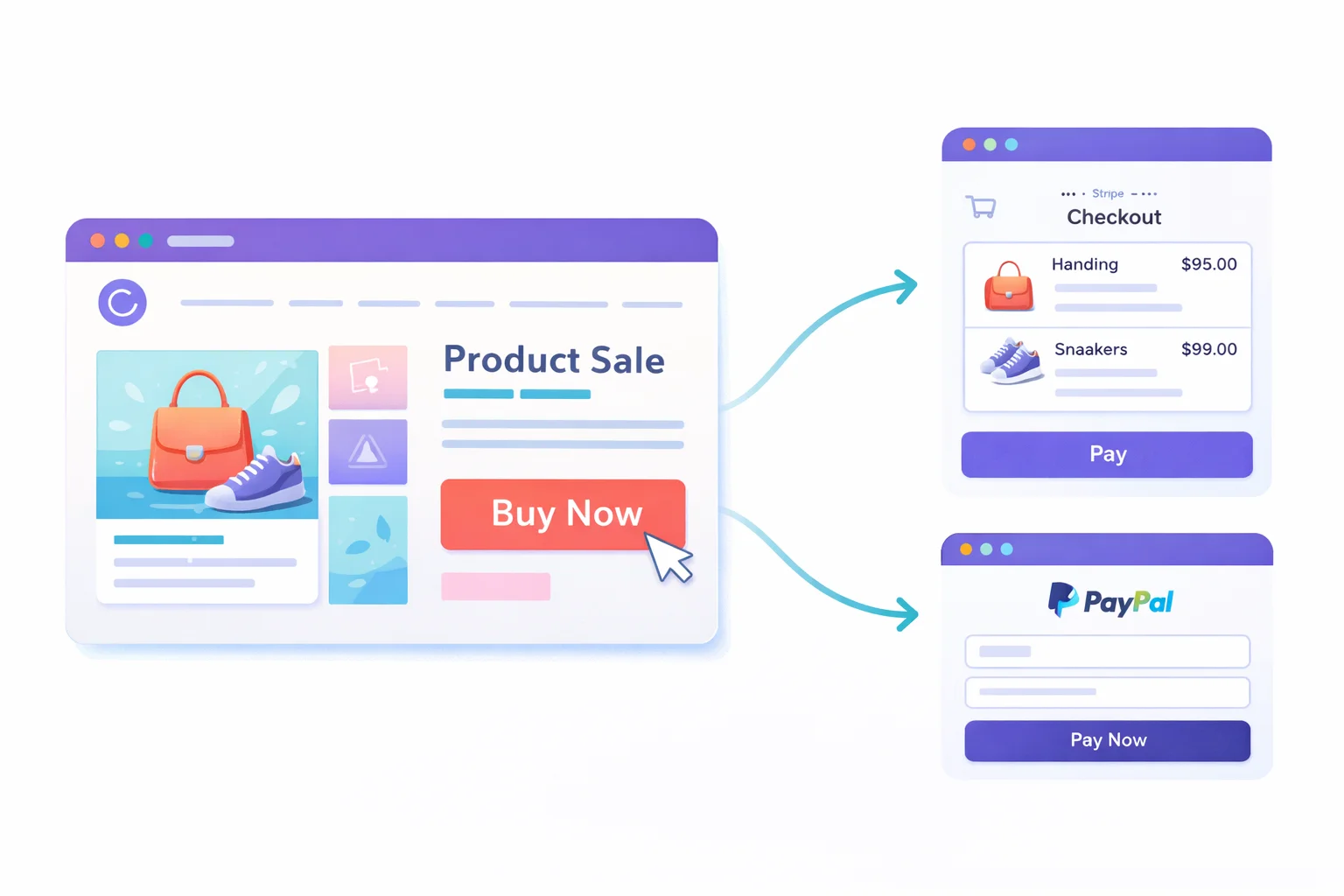
Canva allows you to add links to almost anything. For example, you can link buttons to:
- Stripe checkout pages
- PayPal payment links
- Booking calendars
- WhatsApp order chats
- Email signup forms
For service businesses or manual order workflows, this can be enough. For example, a creator might link a “Buy Now” button to a Stripe checkout page.
However, this is not a scalable ecommerce system.
When Canva Payments Are Enough and When They Are Not
Using Canva alone works if:
- You sell one or two digital products
- You process orders manually
- You do not need inventory or variants
For real ecommerce stores with multiple products, carts, discounts, and order tracking, Canva alone is not enough.
That’s where Shopify comes in.
You can read a deeper explanation in our guide on using Canva for ecommerce campaigns.
Can You Sell Products Directly From Canva?
This depends on how you define “selling.”
What Selling Means in Ecommerce Terms
A proper ecommerce experience includes:
- Add to cart functionality
- Variant selection (size, color, etc.)
- Secure checkout
- Order confirmation
- Inventory syncing
Canva websites do not support these natively.
Selling With Links vs Selling With Ecommerce Infrastructure
When people say they are selling from Canva, they usually mean:
- Linking to an external checkout
- Redirecting users to another platform
- Collecting orders manually
This works for simple cases, but it breaks down quickly at scale.
How Canva Pages Become Sellable With Shopify
Here’s the smarter approach I recommend.
You design your page visually in Canva, but you publish it inside Shopify, not as a standalone Canva website. This allows you to:
- Use Shopify product links
- Add Buy Now and Add to Cart URLs
- Connect to Shopify checkout
- Keep inventory and orders synced
How Canvify Makes This Possible
Canvify acts as the bridge.
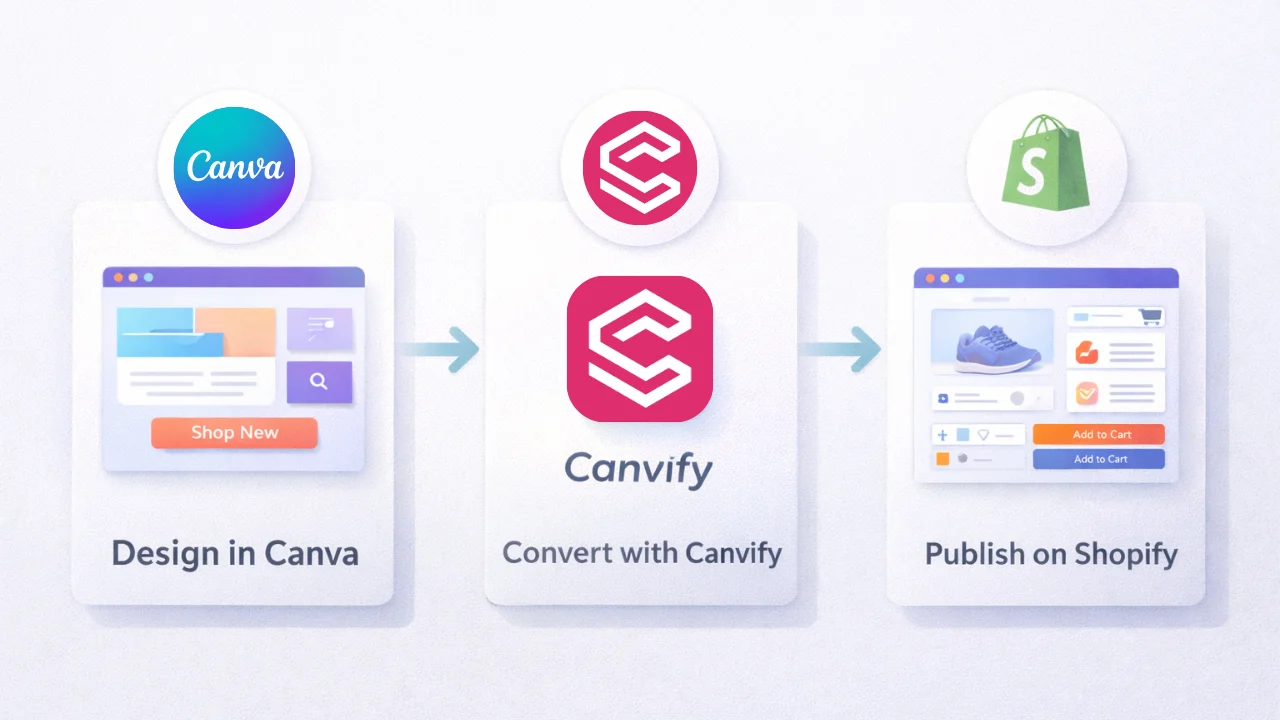
Instead of embedding Canva pages or using screenshots, Canvify converts your Canva design into a native Shopify page. You still design visually, but Shopify handles everything else.
You can explore ready-to-use ecommerce layouts here.
Is Canva Good for Ecommerce Websites?
Yes, when used correctly.
Where Canva Excels for Ecommerce Brands
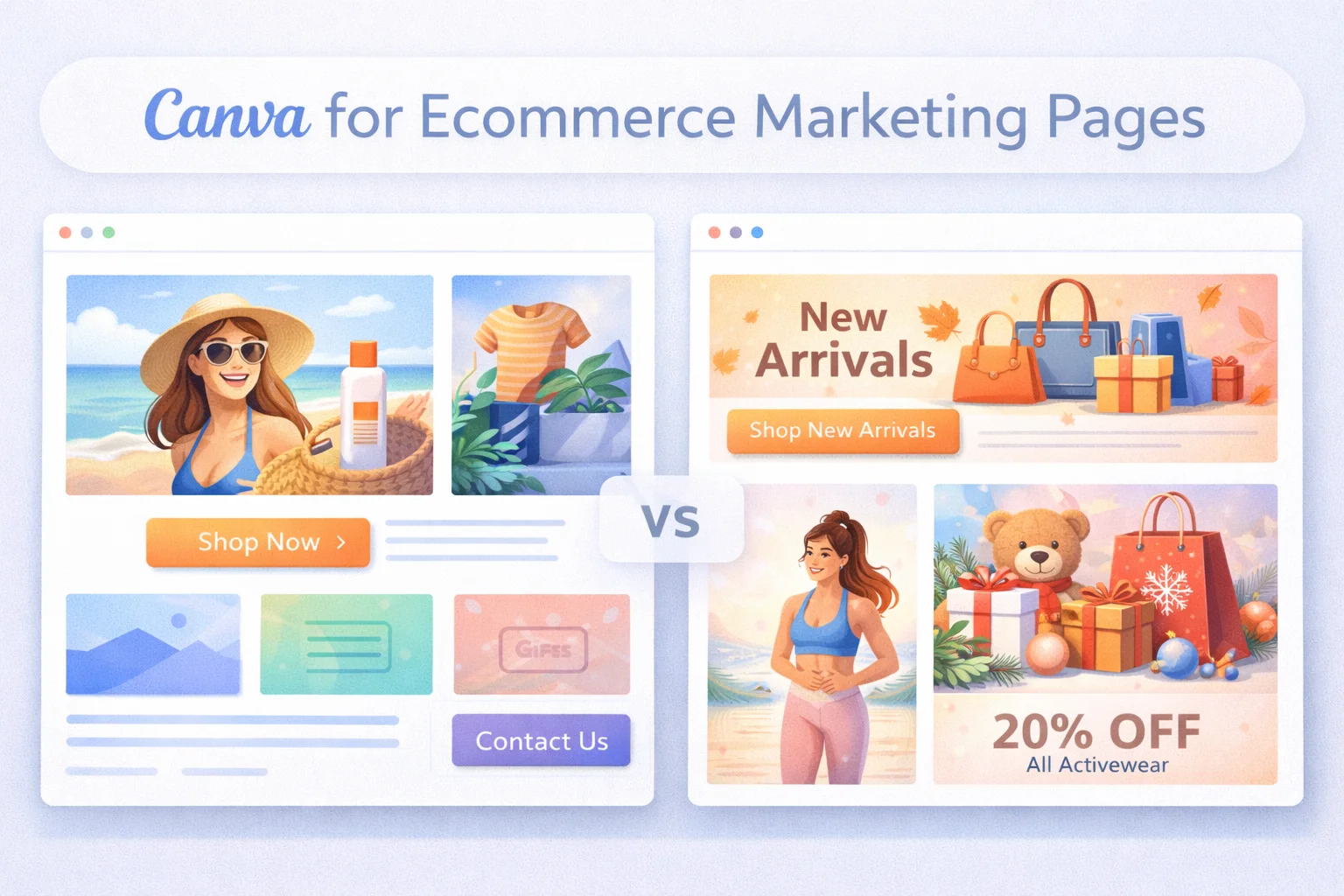
I’ve seen Canva work extremely well for:
- Campaign landing pages
- Seasonal sales pages (Black Friday, Christmas, launches)
- Product storytelling pages
- Brand-first marketing pages
Canva allows fast iteration. That’s a huge advantage for ecommerce marketing.
Where Canva Falls Short Without Shopify
Without Shopify, Canva cannot:
- Manage products
- Handle payments securely
- Track orders
- Support returns or refunds
- Scale with your store
This is why Canva should not replace your ecommerce platform.
Best Ecommerce Use Cases for Canva in 2026
The best brands use Canva to enhance their ecommerce store, not replace it.
Common use cases include:
- Homepage hero sections
- Campaign landing pages
- Collection highlights
- Product education pages
Canva Website vs Shopify Website
 This comparison comes up often, but it’s misleading.
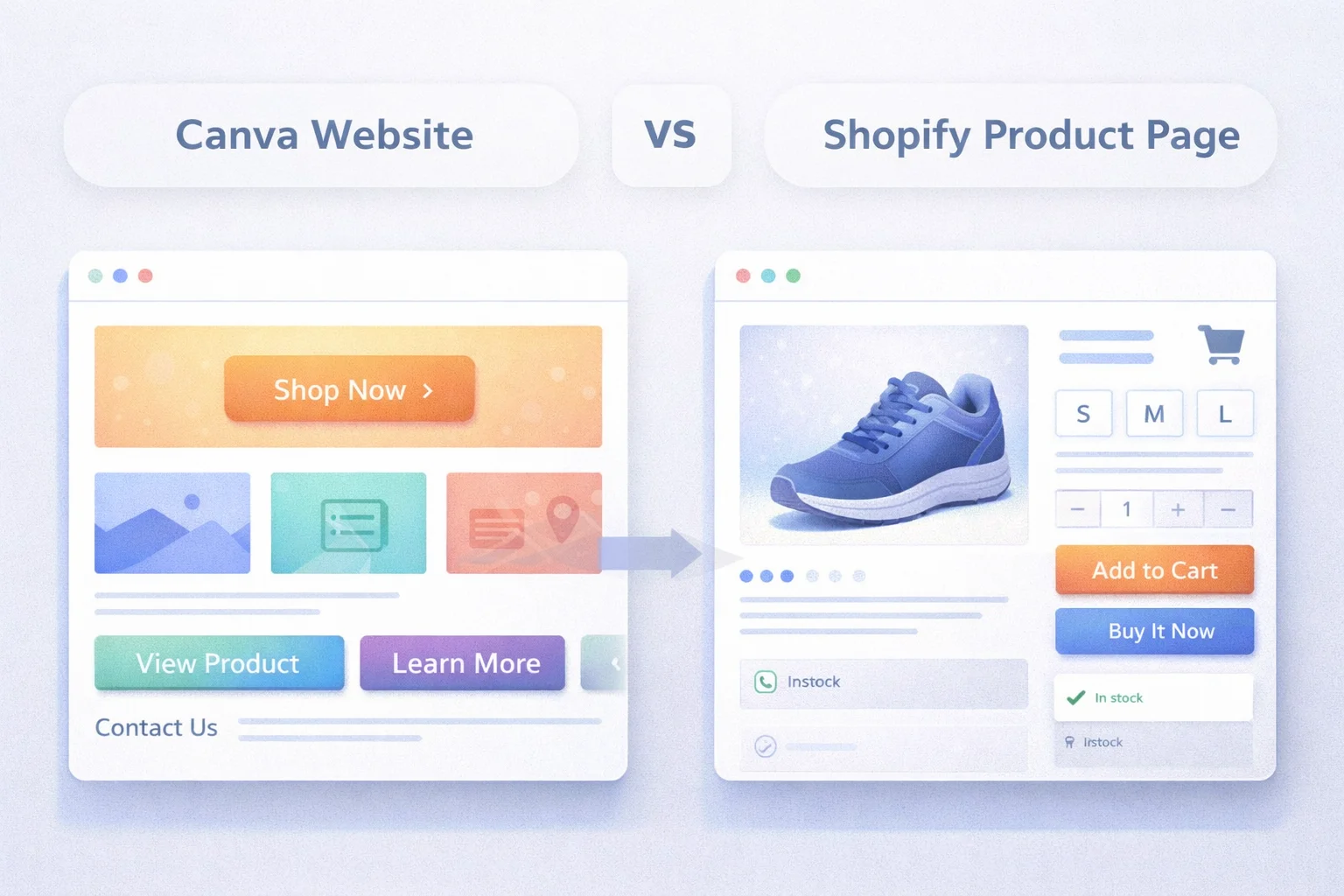
Canva Website Overview
Canva websites are:
- Design-first
- Link-based
- Best for marketing and storytelling
They are not ecommerce platforms.
Shopify Website Overview
Shopify websites are:
- Ecommerce-first
- Built for selling
- Equipped with checkout, inventory, and SEO
Why This Is Not a Real Competition
Canva and Shopify do different jobs.
Canva helps you design.
Shopify helps you sell.
The Canva + Shopify Stack (Recommended Setup)
The smartest ecommerce brands I work with use:
- Canva for visual design
- Shopify for ecommerce infrastructure
- Canvify to connect both seamlessly
This gives you flexibility without sacrificing functionality.
Is Canva SEO Friendly for Ecommerce?
 SEO depends on how you use Canva.
SEO Limits of Native Canva Websites
Standalone Canva websites have limitations:
- Limited control over URL structure
- Basic metadata support
- No ecommerce schema
- No product-level SEO signals
What Happens When Canva Pages Are Published via Shopify
When published through Shopify using Canvify:
- Pages use Shopify’s SEO-friendly structure
- Metadata is fully editable
- Content is converted to clean HTML
- Pages benefit from Shopify’s performance stack
This is a huge difference.
Why This Matters for Ecommerce SEO
Campaign pages, collection pages, and landing pages can rank organically when built correctly. Canva designs published inside Shopify do not hurt SEO when done properly.
Can You Connect Canva to Shopify?
Yes, and how you do it matters.
Manual Methods and Why They Break
Common mistakes I see:
- Embedding Canva pages with iframes
- Using screenshots as sections
- Copy-pasting designs into page builders
These approaches cause SEO, speed, and responsiveness issues.
The Proper Way to Connect Canva to Shopify
The correct approach is:
- Design in Canva
- Convert the design into a Shopify page
- Keep Shopify checkout and product system intact
How Canvify Works in This Flow
Canvify allows you to:
- Design pages in Canva
- Import them into Shopify with one click
- Generate product and checkout links
- Keep your Shopify theme unchanged
You can explore ecommerce-ready Canva templates here (Canvify Templates – Shopify pages).
When Should Ecommerce Brands Use Canva and Shopify Together?
 This setup is ideal for:
- Small and mid-size stores
- Solo founders
- Marketing-driven brands
- Teams without developers
- Seasonal or campaign-heavy stores
If speed, flexibility, and design matter to you, this workflow makes sense.
Final Verdict: Should You Use Canva for Ecommerce?
Yes, but not alone.
Canva is a powerful design tool. Shopify is a powerful ecommerce platform. When combined properly, they give you the best of both worlds.
The mistake is trying to force Canva to become something it is not.
FAQs
Can Canva replace Shopify for ecommerce?
No. Canva does not provide checkout, inventory management, payment gateways, or order tracking. Shopify is still required for selling products at scale.
Can I sell products using Canva pages?
Yes, when those pages are published inside Shopify using tools like Canvify. This allows your Canva designs to work with real ecommerce functionality.
Are Canva website templates good for Shopify stores?
Yes. Canva templates work very well for landing pages, campaigns, and custom sections when converted into Shopify pages instead of used standalone.
Does using Canva hurt SEO?
No, when Canva designs are converted into native Shopify pages. Shopify handles SEO structure, while Canva handles design.
Is coding required to use Canva with Shopify?
No. The entire workflow is visual. You design in Canva and publish to Shopify without writing code.
Conclusion
If you’re serious about ecommerce, the question is no longer whether to use Canva or Shopify. The real question is how to use them together.
Design fast in Canva.
Sell securely with Shopify.
Connect both using the right tools.
That’s how modern ecommerce brands build stores that look great and actually convert.